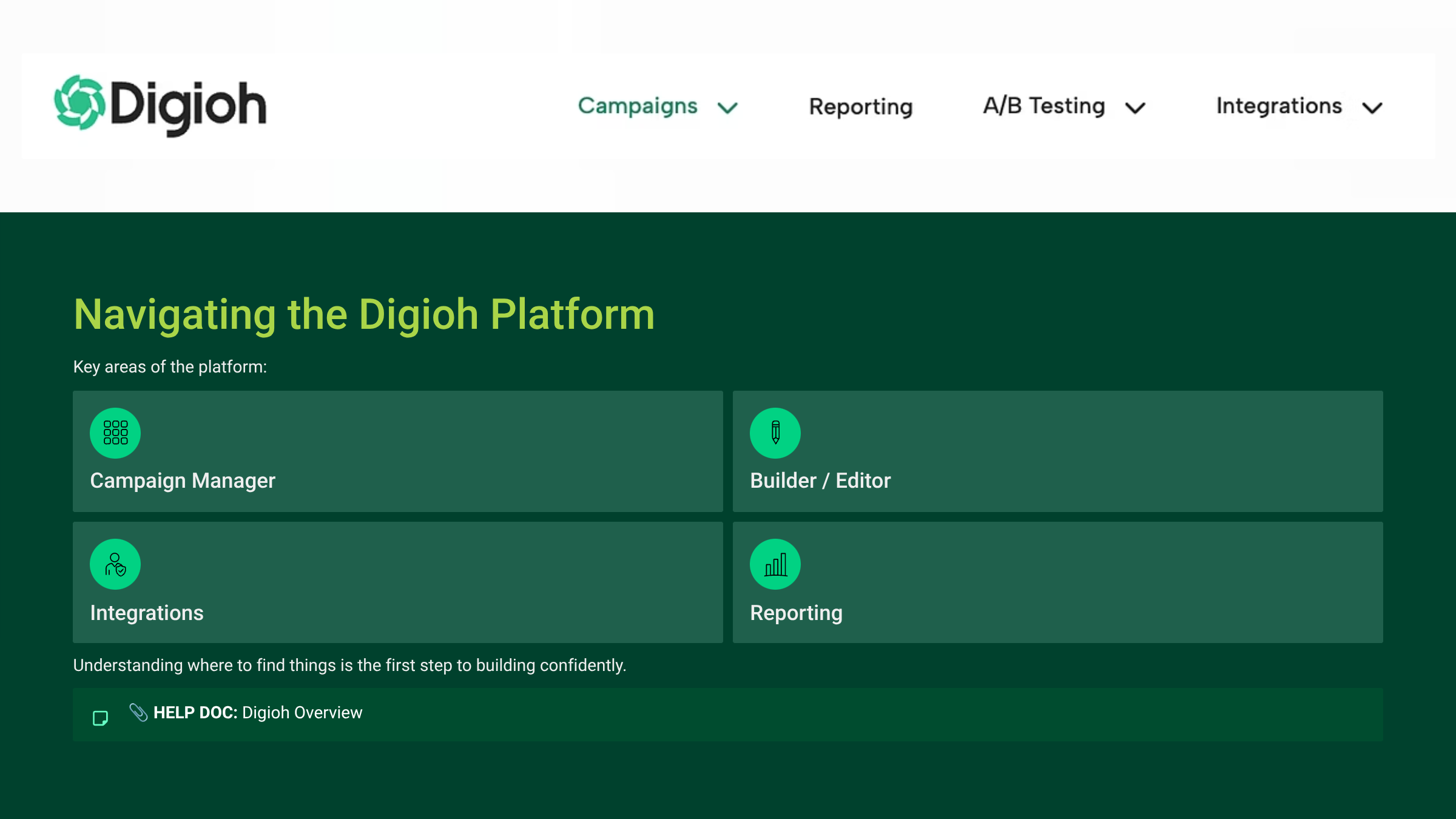
Let’s start with the campaigns list, the central hub where campaigns are created and managed.
The campaign manager is where you’ll see all existing campaigns within an account. From here you can create new experiences, edit campaigns that are already live, or duplicate campaigns to use as templates.
This is especially useful for agencies managing multiple clients. Once you’ve built a successful campaign structure for one client (like a product recommendation quiz) you can often adapt that framework for another brand with minimal changes.
The builder is where the actual experience is constructed. This is where you’ll design the pages, add questions, configure logic, and determine how the user journey unfolds.
Integrations are managed separately, but they connect directly to the campaign. These allow Digioh to pass data into tools like Klaviyo or Shopify.
And finally, reporting gives you visibility into how your campaigns are performing, things like submission rates, conversions, and engagement metrics.
Becoming comfortable navigating these areas is the first step toward becoming a confident Digioh operator.